


Choose the language and display formats you want to use in Navet.
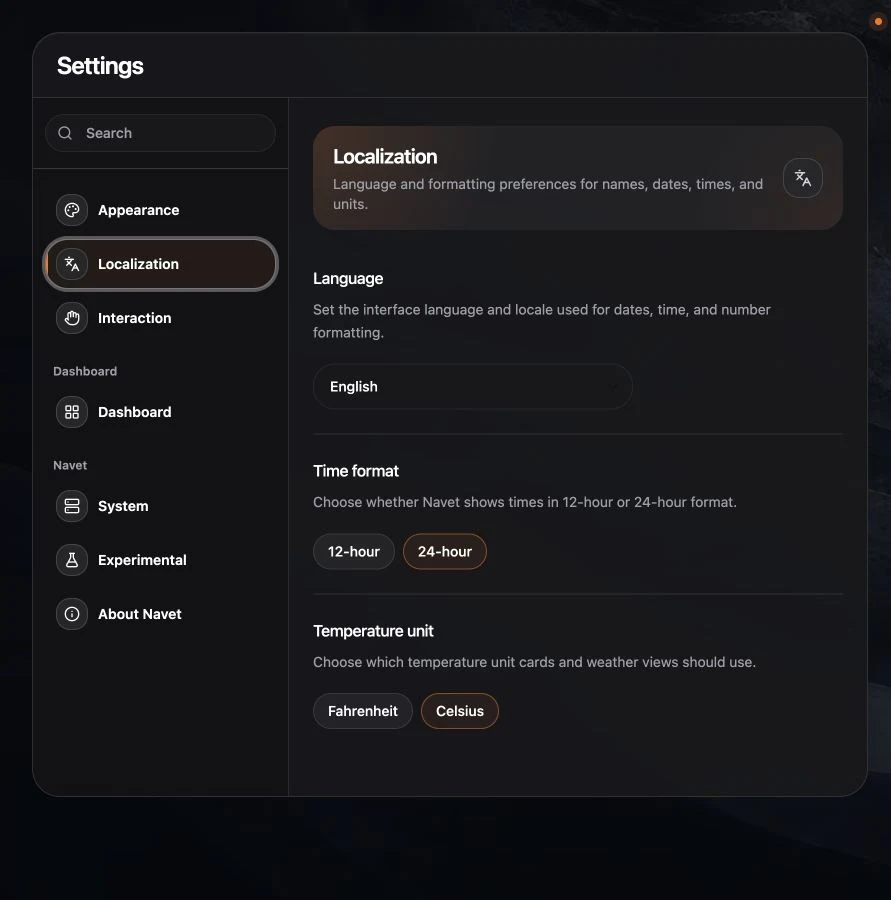
Change the language
- Open Settings → Language & units.
- Choose Language.
- Select an available translation.
Navigation, settings, dialogs, and supported card copy update to the selected language. Provider supplied names can remain in their original language.
Change time format
Choose:
- 12-hour for times with AM and PM.
- 24-hour for the twenty-four-hour clock.
Change temperature units
Choose Celsius or Fahrenheit. Navet presents temperatures in the selected unit where conversion is supported.
If some text does not change
Entity names, media titles, notification messages, and automation descriptions can come directly from the provider. Change those at the source when required.