


The Rooms workspace controls how rooms are presented in Navet and shows when an operation will also change a connected provider.
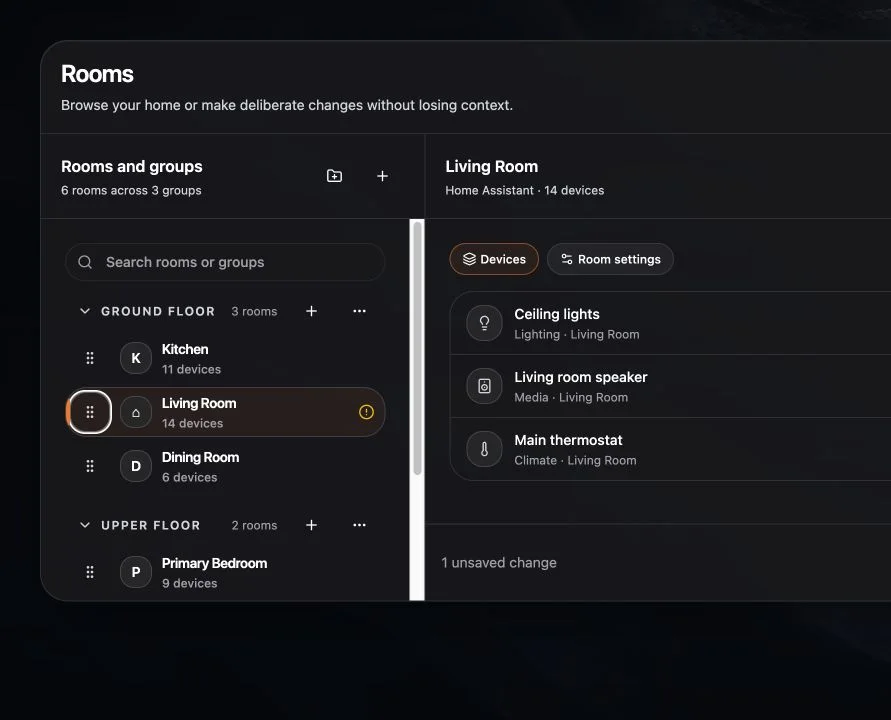
Open the Rooms workspace
- Open Home.
- Open room navigation.
- Choose Customize, then Edit rooms when required.
Use Done editing to return to normal room browsing.
Create a group
- Choose Add group.
- Enter a household name such as Upstairs or Outside.
- Choose Create group.
Add or organize rooms
- Choose Add room to create an ungrouped room.
- Choose Add room to group to place it immediately.
- Move a room earlier or later to change its navigation order.
- Mark a room as a favorite to keep it prominent.
- Turn off Show in room navigation to keep the room available without listing it.
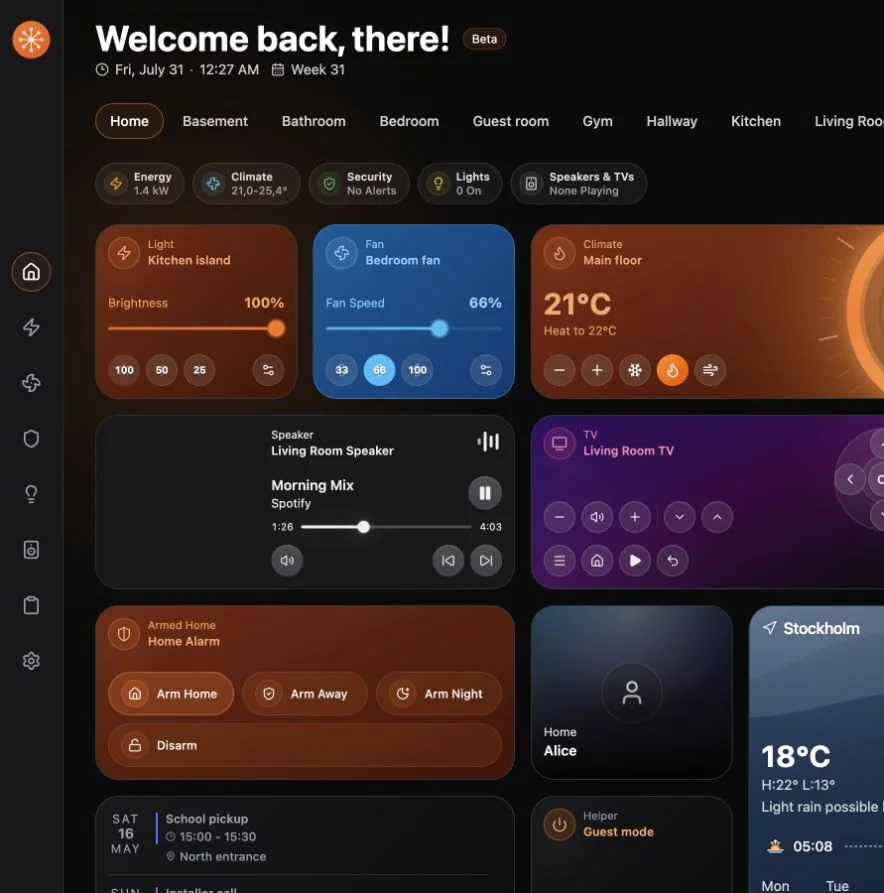
Review and save
Changes can remain pending while you organize several rooms.
- Choose Review changes.
- Read the In Navet and In connected systems summaries.
- Choose Save changes.
If a provider does not support an operation, Navet keeps the supported local organization and explains the limitation.
If rooms already come from your provider
Use provider-backed rooms as the starting point. Navet groups, favorites, visibility, and appearance help you organize daily navigation.