


These operations can affect many devices. Review the provider impact before saving, especially when Home Assistant room administration is available.
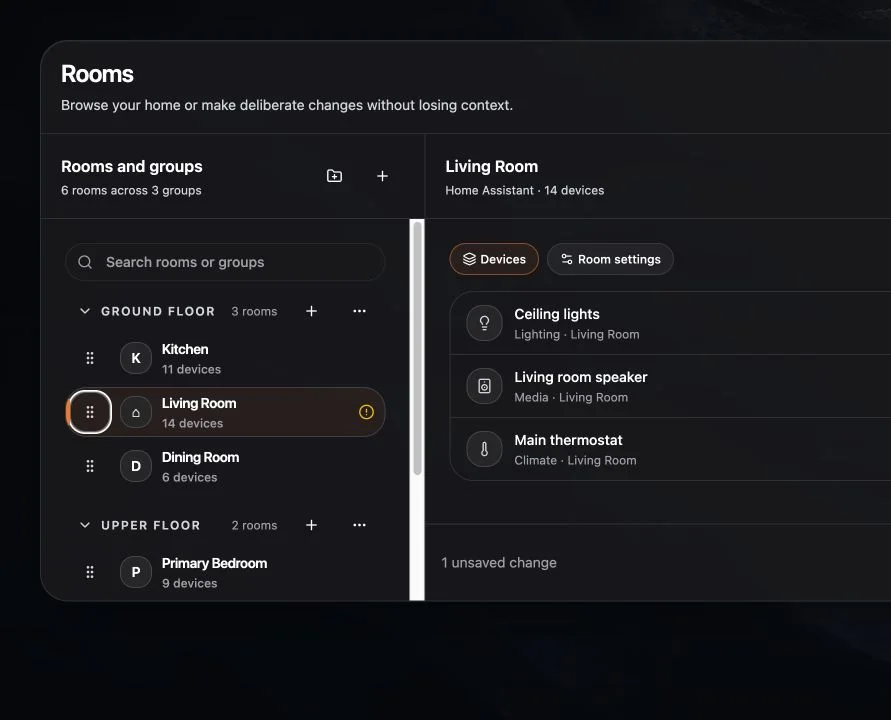
Rename a room
- Select the room.
- Choose Edit room.
- Change the room name.
- Review and save.
Merge rooms
- Choose Merge room.
- Select the room that should remain.
- Review the devices and connected systems affected.
- Choose Merge rooms.
The source room is folded into the destination. Use a backup or provider-native recovery plan when the provider change cannot be undone.
Split a room
- Choose Split room.
- Enter the new room name.
- Select the devices to move.
- Choose Create split room.
- Review and save the changes.
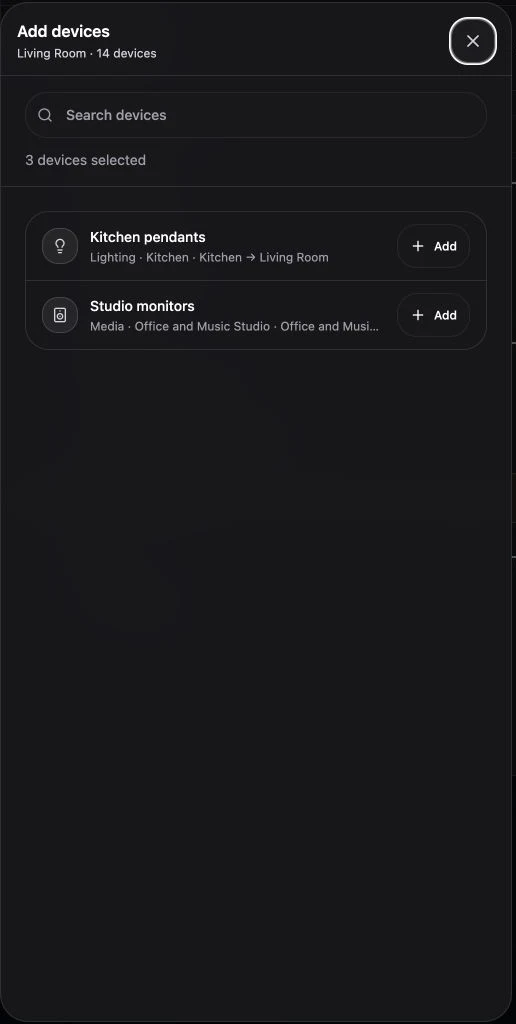
Delete a room
- Choose Delete room.
- Choose where affected devices should go, or leave them unassigned.
- Read the provider warning.
- Confirm Delete room.
Deletion can be permanent after a connected provider accepts it. Navet shows the affected device count, provider list, and destination before confirmation.
Partial success
If Navet saves local changes but a provider operation fails, read the partial-success summary. Do not repeat the entire operation blindly; confirm the provider’s current room structure first.