


These widgets turn selected household actions or summaries into focused dashboard cards.
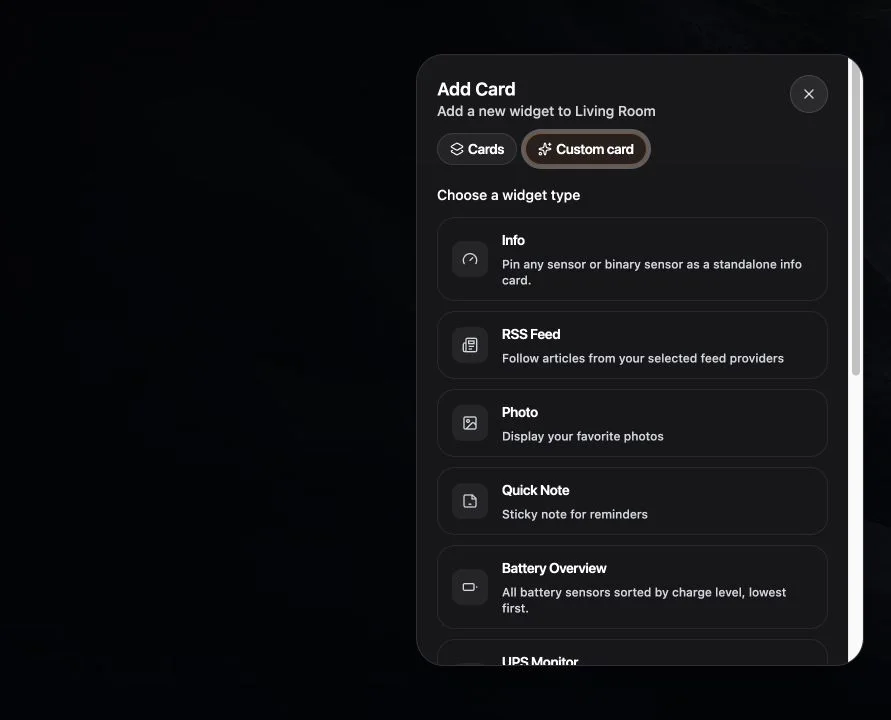
Create an action
- Enter edit mode and open Add Card → Custom cards.
- Choose Action.
- Select the supported target and action.
- Give it a clear household label.
- Choose a compact supported size and save.
Choose Scene to add a shortcut to a scene supplied by your provider.
Add a map
Choose Map and select available people or tracker entities. Location data stays sourced from the connected provider.
Add status summaries
- Battery overview groups low-battery state.
- UPS monitor summarizes supported power backup entities.
- Energy now shows a live energy snapshot.
- Info can present a compact grouped summary.
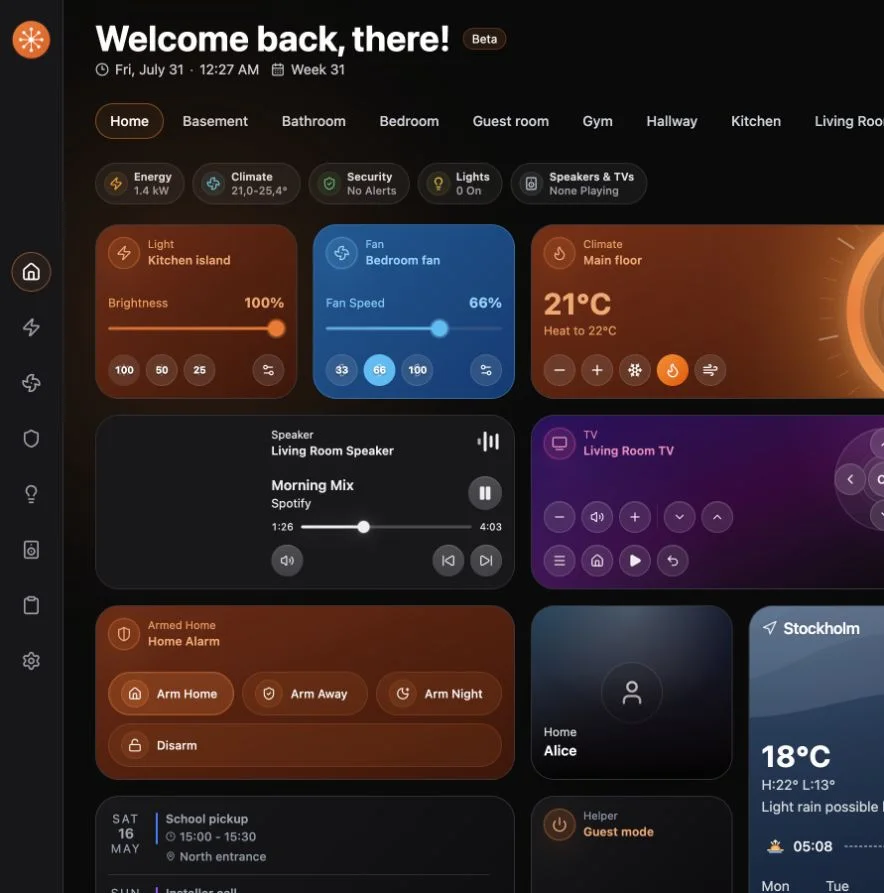
Keep actions safe
Use clear labels and avoid creating ambiguous shortcuts for locks, alarms, or other risky commands. The available action model is bounded by Navet and the owning provider.