


Dashboard management changes the collection of Home dashboards. It does not change the main Energy, Climate, Security, Lights, Media, Household, or Settings sections.
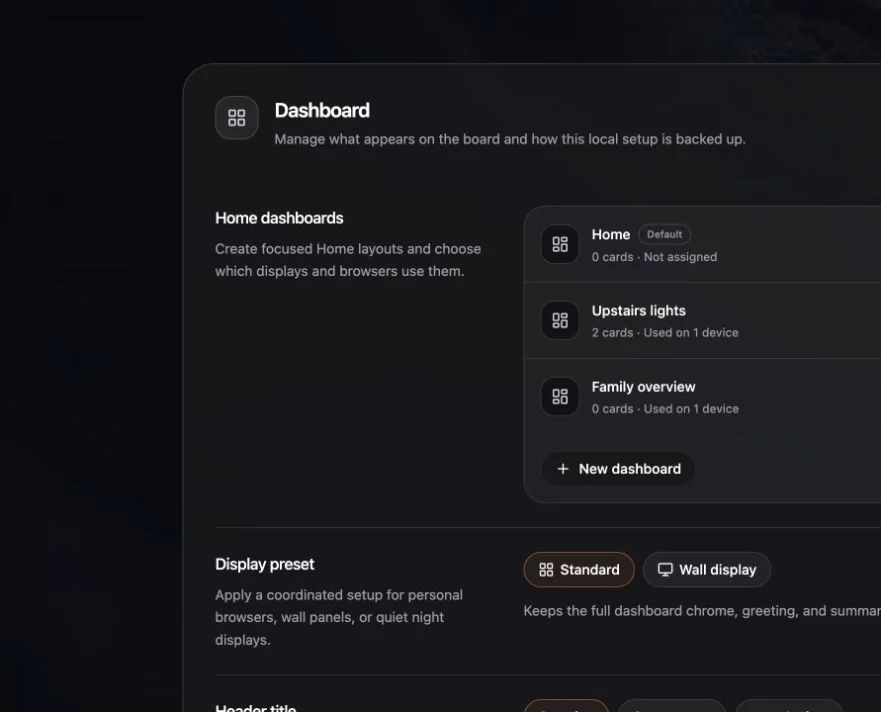
Switch dashboards
- Open the dashboard switcher from Home or the room navigation.
- Choose the dashboard you want to preview.
- Choose Use on this device if it should become the default for the current browser.
Opening a dashboard temporarily and assigning it to a device are different actions.
Open the manager
Choose Manage dashboards, or open Settings → Dashboard → Home dashboards.
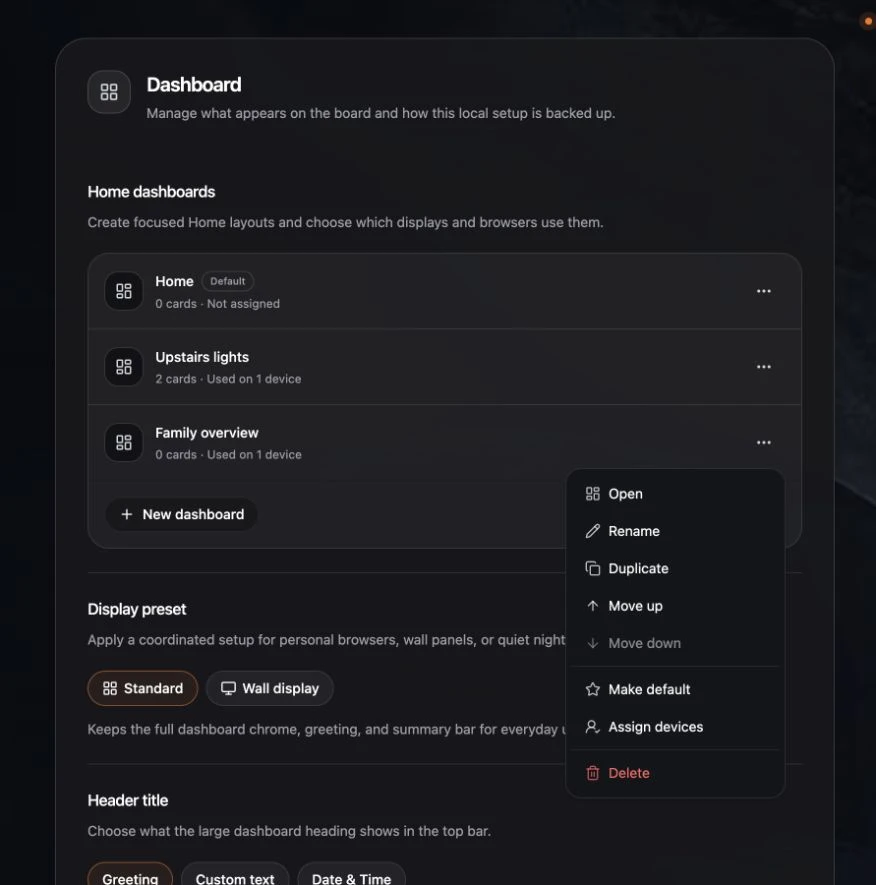
Use the action menu beside a dashboard to:
- Open it.
- Rename it.
- Duplicate its current Home layout.
- Move up or Move down in the switcher.
- Make default for devices without a specific assignment.
- Assign displays.
- Delete it.
Delete a dashboard safely
Navet always keeps at least one dashboard. When deleting another dashboard:
- Review the dashboard name.
- Confirm Delete.
- Devices assigned to it move safely to the default dashboard.
Deletion cannot be undone. Export a backup first if you may need the layout later.
If a dashboard URL no longer works
When a dashboard has been removed, Navet shows the default dashboard and reports that the requested dashboard is no longer available.